
Decode GGUF.
Know your model.
Ever stared at a filename like dolphin-2.9.3-mistral-7B-32k-Q4_K_M.gguf and wondered what on earth it means? This guide breaks the code into plain English, so you can compare model files, understand the trade-offs and make a more informed download choice.
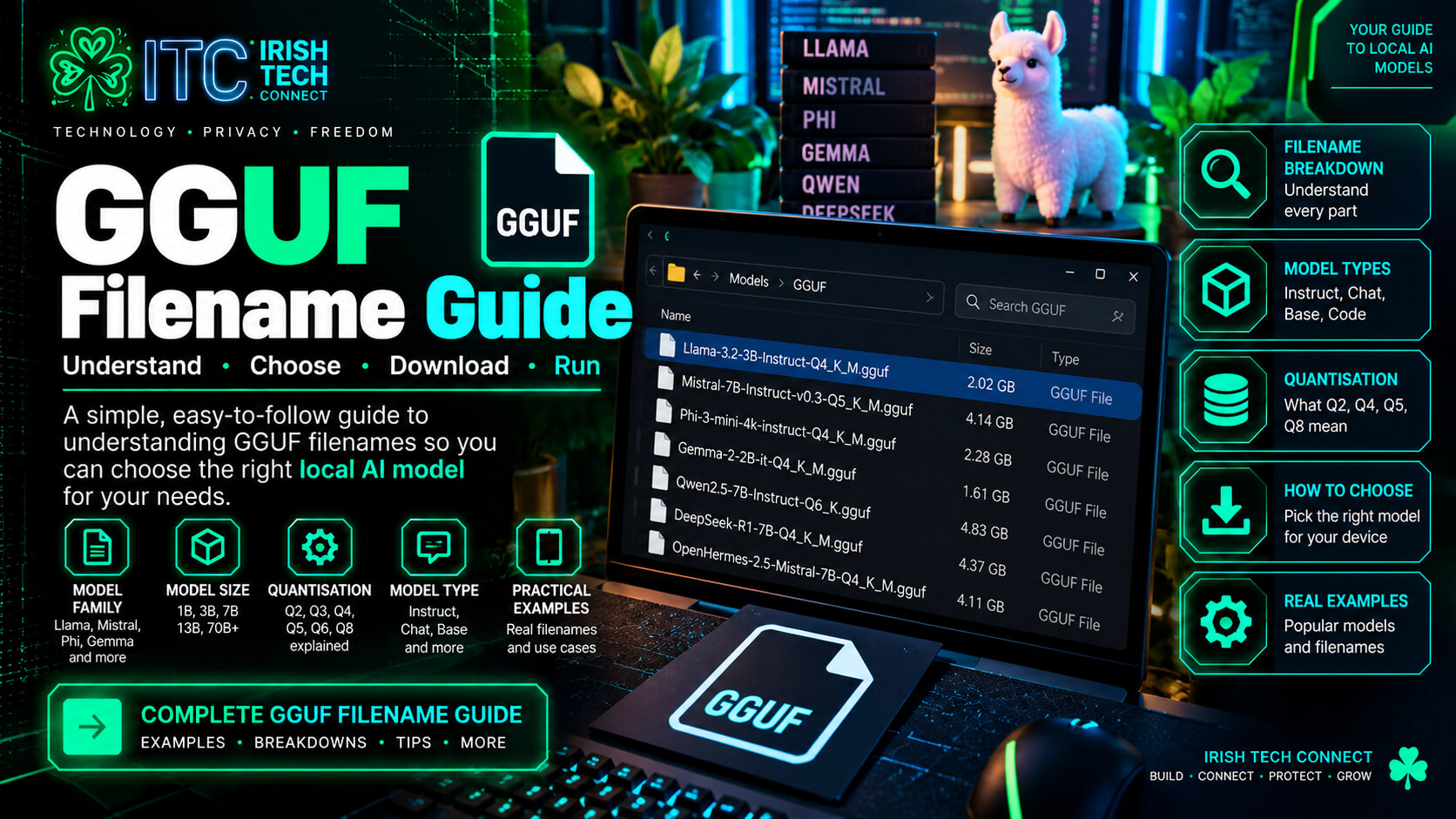 ☘️ ITC
One filename. Lots of clues.
The supplied GGUF Filename Bible uses this example to show a common pattern. Filenames are not perfectly standardised, and not every model includes every segment, but the labels can still tell you a lot.
dolphin — a model variant intended to change the base model’s behaviour.
2.9.3 — a release or training-version label.
mistral — the foundation the variant was built on.
7B — approximately seven billion parameters.
32k — a claimed context capability, not a recommended phone setting.
Q4_K_M — a compressed-weight format and variant.
.gguf — the extension used by compatible GGUF runtimes.
Filenames are clues, not guarantees
Publishers use different naming conventions, and filenames can omit details or include custom labels. Confirm architecture, context, quantisation and licence on the exact model card.
Who is it, and what is it built on?
Fine-tune name
Labels such as Dolphin, OpenHermes or Nous-Hermes identify a model variant or training project. A fine-tune can change instruction-following, style or task specialisation. The name alone does not prove how it behaves.
Base model
Names such as Mistral, Llama, Qwen, Gemma and Phi identify model families. The base influences architecture and capabilities; the model card tells you which foundation was used.
Version label
A number such as 2.9.3 can identify a release or training version. A higher number is not automatically better across different publishers; check release notes and evaluations.
Think of the base model as the engine and the fine-tune as a change to how it has been trained to respond. Different fine-tunes suit different tasks, so test them rather than choosing by name alone.
What does 3B, 7B or 30B mean?
The “B” means billions of parameters — learned values inside the model. More parameters can help capability, but they do not guarantee better answers. Bigger models generally require more storage and memory, and may run more slowly on a phone.
| Parameter range | Class in the source guide | Practical takeaway |
|---|---|---|
| 0.5B–1B | Featherweight | A sensible place to test whether a local AI setup works. |
| 1.7B–3B | Featherweight+ | Often a useful starting range for mobile experiments. |
| 7B–8B | Sweet spot | Needs more memory headroom; check device and runtime. |
| 12B–14B | Heavyweight | Usually more comfortable on a capable laptop or desktop. |
| 22B–24B | Cruiserweight | Plan for substantial RAM and storage. |
| 70B+ | Server class | Generally impractical for ordinary phones. |
Interactive Q4_K_M file-size estimator
The source guide uses a rough rule of about 0.6 GB per billion parameters for a Q4_K_M file. This is an estimate, not a promise: actual file sizes vary.
File size only. Running the model also needs RAM for weights, runtime overhead and context/KV cache. Leave extra headroom.
MoE: total size versus active parameters
A label such as Qwen3-30B-A3B indicates a Mixture-of-Experts model with about 30B total parameters and around 3B active per token. Active parameters influence compute per token, but the full model weights still need to be stored and made available in memory. Don’t size storage as if it were only a 3B model.
Instruct, Base, Coder, Vision and more
Instruct / Chat / IT
Usually indicates instruction- or conversation-tuned behaviour. Check the model card for the exact template and intended use.
Base
A base pretrained model may not behave like a polished chat assistant without further tuning or a suitable prompt format.
Vision / VL
Suggests image capability, but you need a compatible multimodal model, runtime and any required extra files.
Coder / Code
Indicates programming specialisation. Test with the languages and coding tasks you actually need.
Math / Reasoning / R1
Signals a focus on maths or reasoning-style tasks. These labels do not guarantee correctness.
Custom or niche tags
Labels such as Synth, Mag, ERP or RP vary by publisher and purpose. Read the model card rather than guessing.
About “uncensored” and “abliterated”
These are informal labels for variants intended to alter refusal behaviour; they are not standard quality ratings. They do not guarantee accuracy, safety or suitability. Check provenance, licence and intended use.
32k does not mean “set your phone to 32k”
A context window is the amount of tokenised text a model can use in one interaction, including prompt and conversation history. The advertised ceiling does not determine what is practical on your device.
4k tokens
A modest context for short conversations and simple tasks.
8k–32k tokens
More room for longer prompts and history, with higher memory demands.
128k+ tokens
A large advertised context. Support and practical performance vary; it is not automatically a good mobile setting.
Mobile rule of thumb
Start with a modest context such as 2048 tokens, then increase only if the app and device remain stable. Context/KV-cache memory can grow significantly with longer context.
The letters that make a big difference: Q4_K_M
Quantisation reduces the precision used to store model weights, often shrinking files and reducing memory requirements. Smaller files can make local inference possible on more devices, but quality and speed depend on the model, quant method and runtime.
| Label family | General interpretation | When to consider it |
|---|---|---|
| Q2 / IQ2 | Very aggressive compression | Only if memory is extremely constrained and trade-offs are acceptable. |
| Q3 / IQ3 | Smaller compressed weights | A possible fallback when a higher quant does not fit. |
| Q4_K_M | Common balance of file size and quality | A practical first option to compare for many GGUF models. |
| Q5 / Q6 | Typically larger, often preserving more quality | When hardware has extra memory and storage headroom. |
| Q8 / F16 / F32 | Higher storage and memory requirements | More capable hardware or specialised use. |
| IQ variants | Importance-aware quantisation families | Check runtime compatibility and benchmark the exact file. |
Q4
Describes a 4-bit quantisation family. It does not mean every weight is stored at exactly four bits or every file has the same size.
K
Identifies a family of K-quants. Methods allocate precision differently; compatibility and quality vary by exact type.
M
In Q4_K_M, the suffix distinguishes a variant within that quant family. S/M/L labels are format-specific, not a universal quality scale.
The beginner’s starting point
If unsure, try Q4_K_M when available and supported by your runner. Compare exact file size, performance and output quality. If it does not fit, try a smaller quant or a smaller model rather than assuming one setting suits every device.
Other labels include _S, _M, _L, _XL, TQ, imatrix, bf16, f16 and f32. Meanings depend on the quantisation method and repository. An importance matrix used for quantisation is not itself a runnable chat model.
What does .gguf mean?
.gguf is a model file format used by llama.cpp and compatible tools. A GGUF file can include model weights and metadata for supported runtimes. The extension alone does not guarantee every app supports every architecture, multimodal feature or quantisation.
Check the runtime
Make sure your app supports the model family, quant type and any extra files required.
Read the model card
Confirm the exact repository, file name, licence and intended use before downloading.
Use trusted sources
Prefer official or reputable repositories. Verify file size or published hashes when available.
Official references: llama.cpp project ↗ · Hugging Face model browser ↗
Practise decoding model filenames
Plain English: a Qwen 2.5-family model labelled for coding, about 3B parameters, instruction-tuned, with Q4_K_M quantisation in GGUF format. Confirm exact details on its repository.
Plain English: a Llama 3.2-family model with 3B parameters, instruction tuning and a Q4_K_M GGUF file.
Plain English: a Qwen3-family MoE label with about 30B total and 3B active parameters per token, instruction tuning, a date-style tag and Q4_K_M quantisation. Full weight storage can still be large.
These examples follow the supplied Bible’s terminology. A filename is not a substitute for the exact model card; interpret date-style labels using the publisher’s release notes.
Use this checklist before you click Download
Who trained it?
Identify the fine-tune or publisher and check the model card.
Which foundation?
Look for Llama, Qwen, Mistral, Gemma, Phi or another base family.
How large?
Read the parameter count and estimate file size and memory needs.
What can it do?
Look for Instruct, Coder, Vision or other tags, then verify them.
How much context?
Treat advertised context as a capability, not a device setting.
Which quant?
Consider Q4_K_M if compatible; compare exact files.
Is it GGUF?
Confirm your runner supports the file and architecture.
Trusted source?
Check publisher, licence, size and integrity information.
GGUF filenames: quick answers
What does Q4_K_M mean?
It is a quantisation label used by certain GGUF model files. It indicates a Q4 K-quant variant with the M suffix. It is a common starting point, but exact size and quality vary.
Does a 7B model need only 4.2 GB RAM?
No. The 0.6 GB-per-billion rule estimates file size, not total runtime memory. RAM also covers loaded weights, context/KV cache, runtime overhead and the operating system.
Can I use 32k context on every phone?
No. The model may support that ceiling, but the app, memory and settings determine what is practical. Start with a smaller context and increase carefully.
Is Q4_K_M always the best quant?
No. It is a practical baseline to test when supported. A smaller quant or model may suit constrained memory; compare higher-quality variants when you have headroom.
Can every .gguf run in every local AI app?
No. App support varies by architecture, quantisation, multimodal requirements and runtime version. Confirm compatibility before downloading a large file.
What does “uncensored” mean in a filename?
It is an informal label for a variant intended to alter refusal behaviour, not a standard benchmark or quality guarantee. Check provenance, behaviour, licence and suitability.
Read the filename. Check the facts. Download smarter.
Once you understand the labels, you can make a better first choice — and spend less time downloading files your device or app cannot comfortably run.
Explore models on Hugging Face ↗Irish Tech Connect · Practical technology. Smarter digital choices. ☘️
More from Irish Tech Connect
Install Local AI on Android
Follow our guide to runner apps, GGUF downloads and device-aware settings.
Local AI Models on Your Phone
Compare model sizes, quantisation and mobile model choices.
Irish Tech Connect
Practical technology guidance and digital services for real-world needs.
Built from the GGUF Filename Bible
This article is based on the supplied “The GGUF Filename Bible” document. Its terminology and examples have been adapted into a visitor-friendly guide. Broad rules of thumb are presented as estimates; verify exact details against the current model card and runtime documentation.
- Hugging Face Models — model cards and repositories
- llama.cpp — GGUF-compatible inference project
Disclaimer: This is an educational guide, not a hardware compatibility guarantee. Model formats, quantisation methods, licences and app support vary. Inspect the exact repository and use trusted downloads.