
Markdown Editors in the AI Era
Typora vs Obsidian vs MarkText — plus the tools, workflows and ideas shaping the future of digital knowledge.
Markdown is more than a way to format notes. It can be the portable foundation beneath your study library, technical documentation, AI-assisted research and publishing workflow. Let’s find the right tools for the job.
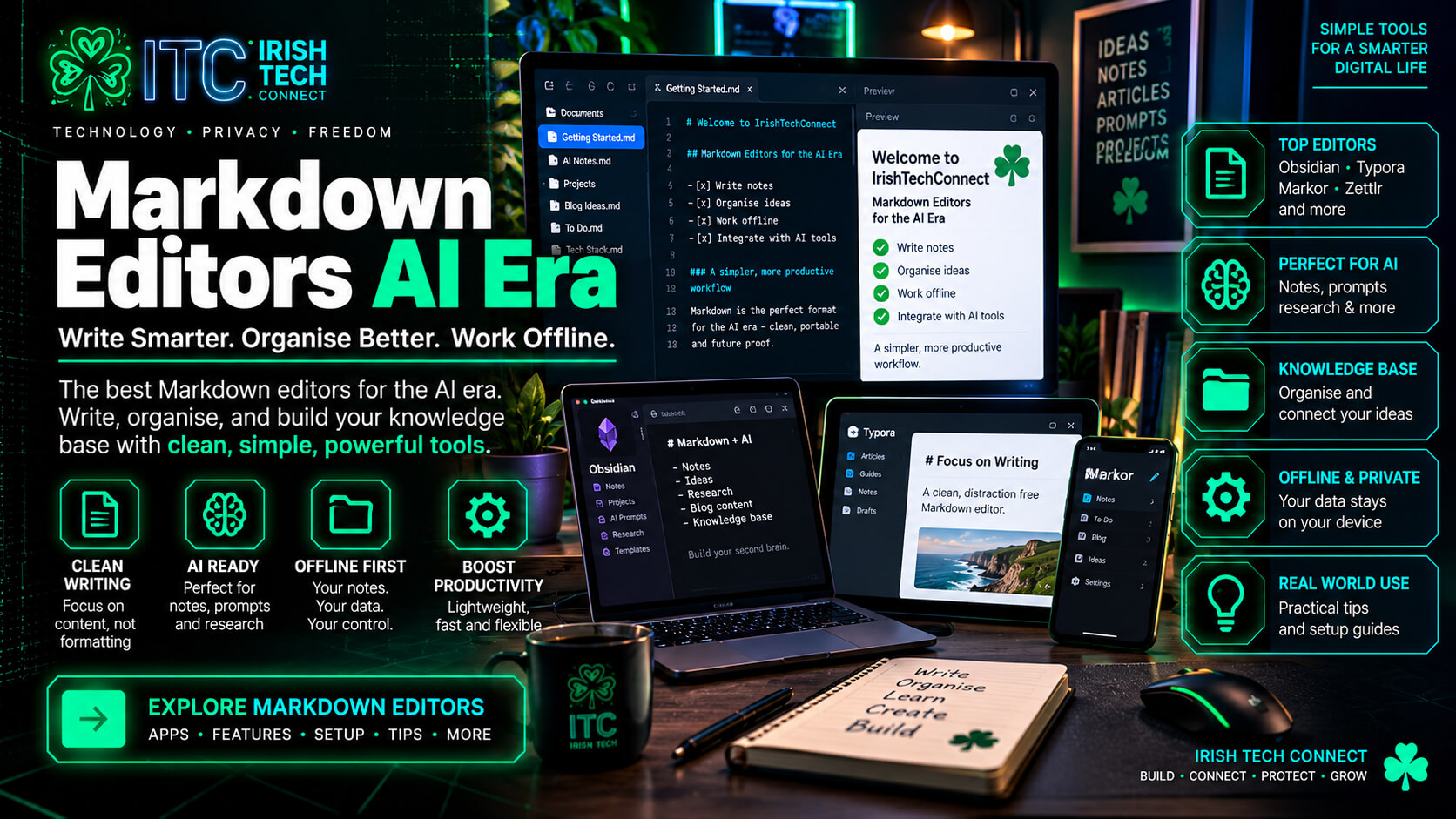 ☘️ ITC
1. What is Markdown — and why does it matter?
Markdown is a lightweight way to add structure to plain text. A few familiar characters can represent headings, lists, emphasis, links, images and code blocks. Files commonly use the .md extension and can be opened in many compatible editors.
Readable source files
Content remains understandable as plain text and can move between compatible editors, repositories and publishing systems.
Meaning, not just appearance
Headings, lists, links and code fences describe document structure, helping people scan and tools process the material.
One source, many outputs
With suitable tools, content can become a rendered note, website page, PDF, technical document or learning resource.
A tiny Markdown example
# Network Fundamentals

A **LAN** connects devices within a limited area.

- Switches forward frames using MAC addresses.
- Routers forward packets between IP networks.

```bash
ipconfig
ping 192.168.1.1
```
The editor turns that source into a formatted document. The Markdown file stores the content; the renderer determines much of its appearance.
2. Typora vs Obsidian vs MarkText
Typora
Typora renders Markdown as you work and supports common document elements, code fences, tables, mathematics, diagrams through supported syntax and export options.
- Best fit: lessons, polished notes, reports and documents.
- Standout: writing and preview feel like one integrated surface.
- AI workflow: refine generated Markdown, inspect structure, render supported diagrams and export.
Obsidian
Obsidian centres on a local collection of notes. Backlinks, graph view, Canvas, properties, templates and community plugins can turn notes into a flexible knowledge workspace.
- Best fit: long-term study libraries, research notes and connected documentation.
- Standout: links and metadata help ideas connect as the collection grows.
- AI workflow: organise source notes and use suitable integrations to search, summarise or transform material.
MarkText
MarkText is an open-source Markdown editor designed around real-time WYSIWYG editing. It suits users who want to write and format documents without setting up a larger knowledge system.
- Best fit: quick notes, straightforward documents and lightweight editing.
- Standout: approachable open-source editing with live rendering.
- AI workflow: review generated Markdown, then save a portable file for use elsewhere.
Capabilities vary by release, operating system, extension and configuration. Check current documentation for feature-dependent workflows.
3. The wider Markdown ecosystem
The best tool depends on what you are making. These options add research, development, outlining and publishing to the picture.
Visual Studio Code
Markdown previews, extensions, source files and code share a developer-oriented workspace. Great for technical docs and AI-assisted coding.
Explore it for: READMEs, software documentation, code examples and agent-assisted development.
Zettlr
A research-oriented Markdown editor with features for academic writing, citations and document export.
Explore it for: source-based reports and citation-rich writing.
Logseq
An outliner-oriented knowledge system built around linked references and blocks, with graph-based exploration and study features.
Explore it for: daily notes, connected ideas, outlines and active recall.
Joplin
An open-source note-taking app with Markdown, notebooks, search, plugins and optional end-to-end encrypted synchronisation.
Explore it for: portable notes and multi-device workflows.
Git + Markdown
Git records changes to text files and supports branching, review and collaboration.
Explore it for: change history and team documentation.
Pandoc
A document converter that transforms Markdown and other supported formats into multiple outputs using suitable options and templates.
Explore it for: repeatable exports and multi-format publishing.
4. The comparison matrix
This is an editorial guide based on documented product focus, not a laboratory benchmark. Results depend on extensions and setup.
| Tool | Best suited to | Knowledge linking | Technical work | Publishing | AI workflow fit |
|---|---|---|---|---|---|
| Typora | Polished writing | Basic | Good | Excellent | Preparing and exporting AI-assisted content |
| Obsidian | Personal knowledge base | Excellent | Good | Good | Strong with suitable plugins and tools |
| MarkText | Simple Markdown editing | Basic | Good for text | Good | Lightweight editing step |
| VS Code | Development & documentation | Extension-based | Excellent | Extension-based | Excellent with compatible agents |
| Zettlr | Research writing | Good | Good | Excellent | Source-centred workflows |
| Logseq | Outlining & connected notes | Excellent | Good | Good | Structured knowledge workflows |
| Joplin | Notebook-based notes | Notebook/link based | Good for text | Good | Portable note collection |
5. Why Markdown matters in the age of AI
Markdown has a useful role in AI workflows because it is readable, structured and widely used for documentation. It can hold project context for compatible tools and serve as an output format for notes, plans and generated documents.
01 · Project instructions
Compatible coding agents can read Markdown instruction files describing project conventions, architecture and workflow rules. Examples include AGENTS.md, CLAUDE.md and GitHub Copilot instruction files.
OpenAI Codex guidance · Claude Code memory · Copilot instructions
02 · Retrieval-augmented generation
RAG systems retrieve relevant material from a knowledge collection before generating an answer. Markdown can be a source format; an indexing and retrieval layer still needs to find useful passages.
03 · Content transformation
With a suitable workflow, one note can become a glossary, revision sheet, lab checklist, quiz, README or lesson plan while the source remains structured.
04 · Documentation maintenance
AI tools can propose updates, improve headings, draft summaries, identify possible duplicate notes and generate navigation pages. Review changes and retain version history.
05 · Source-grounded answers
A well-designed workflow can connect answers to source passages, making claims easier to verify and original material easier to revisit.
06 · Multimodal notes
Markdown can reference images, diagrams, transcripts, code and other files, creating a structured index of resources.
A practical AI knowledge pipeline
This is a recommended architecture, not a built-in feature of every editor. Capabilities depend on the model, integrations, permissions and retrieval system.
6. Visual comparison charts
Chart A — primary workflow emphasis
Editorial positioning estimates on a five-point scale, based on each tool’s documented focus. These are not measured performance results.
A higher score means a stronger emphasis on that workflow, not a higher overall quality score.
Chart B — the knowledge lifecycle
Chart C — portability and specialisation
| Approach | Core content portability | Specialised features | Useful when… |
|---|---|---|---|
| Plain Markdown | Very high | Depends on other tools | You want a durable source format. |
| Typora | High | Writing, preview and export | You want polished documents. |
| Obsidian | High for Markdown notes | Links, graph, Canvas, properties and plugins | You want a connected knowledge base. |
| VS Code | High for text files | Developer extensions and agent workflows | Your notes live beside code and projects. |
| Rich HTML/CSS | Depends on packaging | Very high visual control | You need custom cards and branded layouts. |
7. Pros and trade-offs at a glance
Typora
Strengths
- Elegant live writing
- Tables, code, maths and diagrams
- Document export options
Consider: less focused on backlinks and graph-based knowledge organisation.
Obsidian
Strengths
- Local Markdown vault
- Backlinks, graph and Canvas
- Templates, properties and plugins
Consider: a clear organisation plan helps manage the many options; some workflows use app-specific syntax.
MarkText
Strengths
- Open-source editing
- Real-time rendering
- Approachable workflow
Consider: check current project releases and platform support for your needs.
VS Code
Strengths
- Code and docs together
- Extensions and source control
- Compatible AI coding agents
Consider: more developer-oriented than a dedicated writing app.
Zettlr
Strengths
- Research-oriented writing
- Citation workflows
- Publishing options
Consider: its specialist features shine most in research-heavy work.
Logseq / Joplin
Strengths
- Linked notes or notebooks
- Search and structured organisation
- Different approaches to note-taking
Consider: choose the model that matches your preference for blocks/outlines or conventional documents/notebooks.
8. The future of Markdown and AI
These are informed trends to watch rather than promises about any particular product roadmap.
AI-native knowledge libraries
More workflows may let people ask questions across their notes, retrieve supporting passages and follow citations to source material. Retrieval quality and provenance will matter alongside the model.
Documents as agent context
Project instruction files already show how reusable context can be written once and loaded by compatible tools. Structured documentation can become part of the working environment.
One source, many outputs
Markdown can feed websites, PDFs, books, presentations and technical documentation through suitable renderers and conversion pipelines.
Personalised learning
Structured notes can support generated quizzes, flashcards, glossaries, lab checklists and revision plans—especially when the workflow tracks learning goals and sources.
Multimodal documentation
Text can sit alongside diagrams, screenshots, transcripts and code. Clear filenames, links and metadata help people and tools navigate the collection.
Reviewable AI collaboration
Markdown and version control provide a useful basis for proposed changes, diffs and review, helping teams understand what an AI assistant changed.
9. How to preserve rich formatting, diagrams and colourful cards
Markdown is excellent for content structure, but different applications render extensions and styling differently. To preserve a rich visual design, separate content from presentation and choose the output format deliberately.
Markdown
Great for: headings, lists, links, tables, code and portable text.
Tip: use broadly supported syntax when one file must render across several apps.
Markdown + diagrams
Great for: flowcharts and technical relationships when the chosen renderer supports a language such as Mermaid.
Tip: verify diagrams in the target editor or publishing pipeline.
HTML + CSS
Great for: custom cards, precise spacing, responsive layouts, colours and branded components.
Tip: use scoped CSS and preview in the actual target environment.
A practical publishing workflow
- Keep source content in Markdown when portability and editing are the priority.
- Store images and other assets in an organised project folder, and link them clearly.
- Use Mermaid or another supported diagram format for diagrams that need to remain editable.
- Use HTML/CSS when you need exact branded cards or layouts.
- Preview in the actual destination: browser, PDF exporter, learning platform or WordPress page.
- Keep the original source and review conversions before publishing.
Think of Markdown as the clean blueprint, the renderer as the design engine, and the published page as the finished experience.
10. Build your own AI-ready Markdown workflow
A starter setup for students, IT professionals and creators who want a workflow that can grow with them.
Example folder structure
Networking-Study-Bible/
├── 00-Start-Here.md
├── 01-Networking-Fundamentals/
│   ├── LANs-and-WANs.md
│   ├── OSI-Model.md
│   └── Encapsulation.md
├── 02-Labs/
│   ├── Lab-01-HTTP-Server.md
│   └── Lab-01-Evidence/
├── 03-Revision/
│   ├── Flashcards.md
│   └── Practice-Questions.md
├── 04-References/
└── assets/
    ├── diagrams/
    └── screenshots/
A sample project instruction file
# Project guidance

- Use Irish/British English spelling.
- Explain technical concepts in clear, practical language.
- Preserve official terminology.
- Separate verified facts from examples and assumptions.
- Cite supplied sources when the task requires source-based work.
- Structure lessons with objectives, explanation, practical example,
  lab steps and a knowledge check.
- Suggest edits before changes that could alter existing material.
Save instructions using the filename and location required by your chosen AI tool. Each agent has its own documented discovery rules.
11. Frequently asked questions
Is Markdown useful for AI?
Yes. Markdown is a readable structured format used for documentation, project instructions and AI-generated outputs. AI applications also use many other formats, so the best choice depends on the task.
Is Obsidian better than Typora?
They serve different priorities. Obsidian is particularly strong for linked notes and knowledge management; Typora is particularly strong for a clean writing and publishing experience. Some people use both.
Can I use Markdown with AI coding agents?
Yes. Compatible agents support Markdown-based project instructions and documentation. Consult the official guide for the agent’s filename, location and instruction rules.
Will Markdown preserve every colour, card and diagram?
Standard Markdown preserves the structure it supports. Advanced visuals may rely on HTML, CSS, extensions or renderer-specific features, so check the destination when exact presentation matters.
What is the best editor for technical study notes?
For a connected library, Obsidian is a strong starting point. Typora works well for polished lessons, while VS Code is useful for labs and notes beside code or project files.
Is MarkText worth considering?
Yes, if you value open-source, real-time Markdown editing in a straightforward interface. Check current releases and platform support against your requirements.
12. Official resources and further reading
These primary resources are useful for exploring formats and tools. Product features evolve, so official documentation is the best place to confirm current behaviour.
- CommonMark — Markdown specification.
- Typora · Export guide · Diagram guide.
- Obsidian · Plugins · Canvas.
- MarkText · Source repository.
- VS Code Markdown guide.
- Zettlr · Logseq · Joplin.
- Pandoc — document conversion.
- OpenAI Codex: AGENTS.md — project guidance.
- Claude Code memory and project instructions.
- GitHub Copilot custom instructions.
- Git documentation — version history and collaboration.